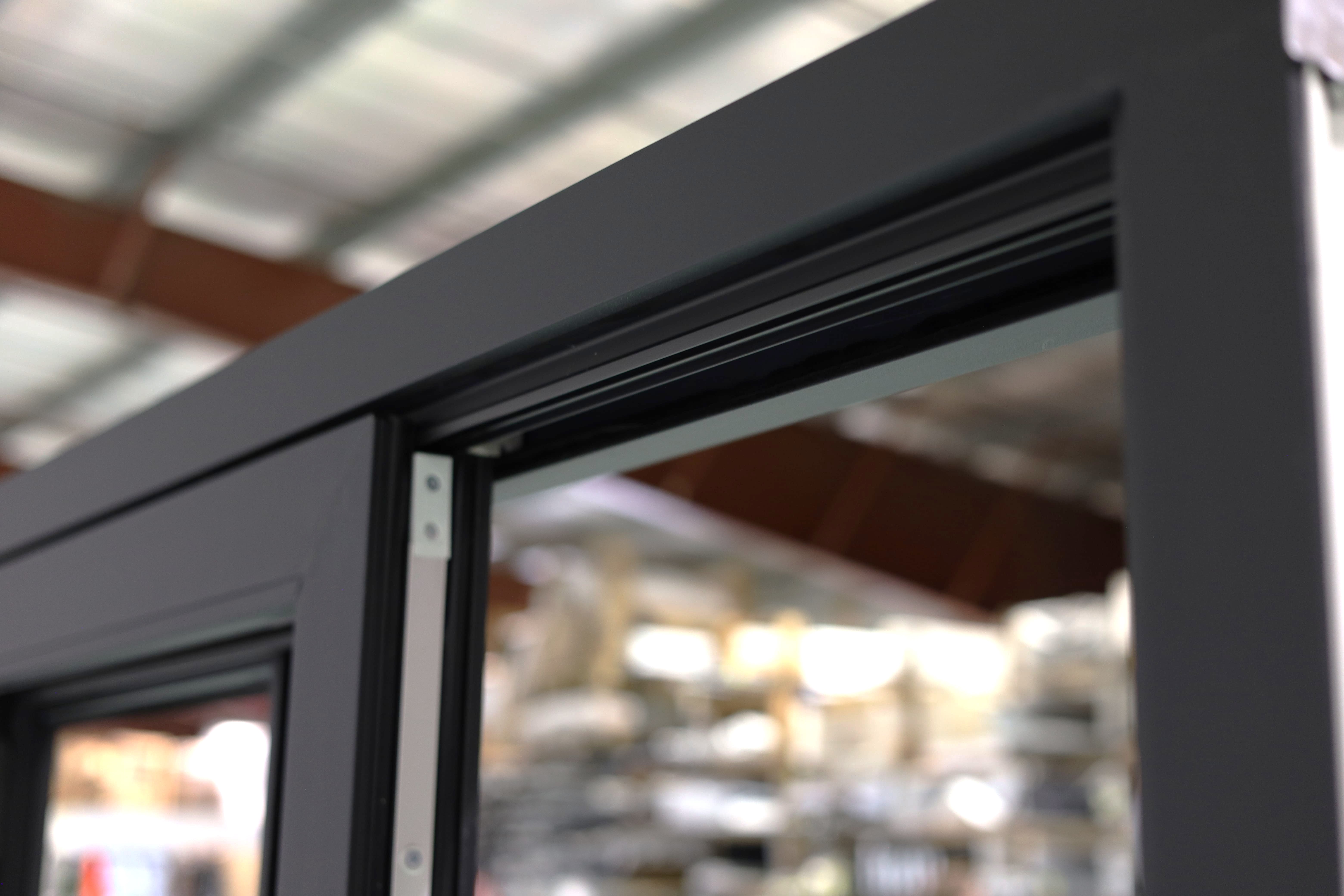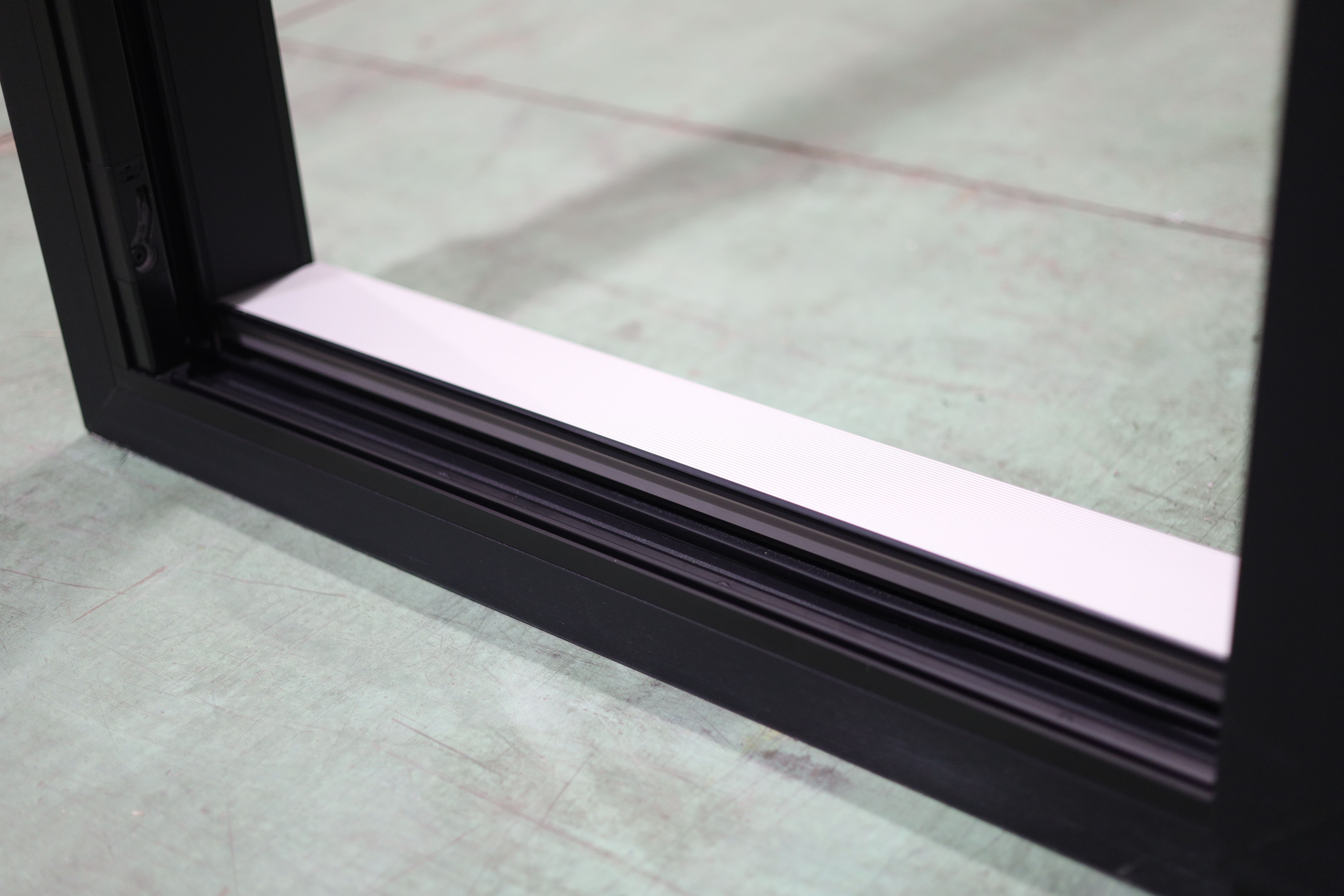

Finally, a smart lock fully compatible with multi-point door gears
Transform entry doors into smart doors in minutes,
no changes to the door required.
Door manufacturers often struggle to find smart locks compatible with multi-point systems.
How does the Tedee Pro work?
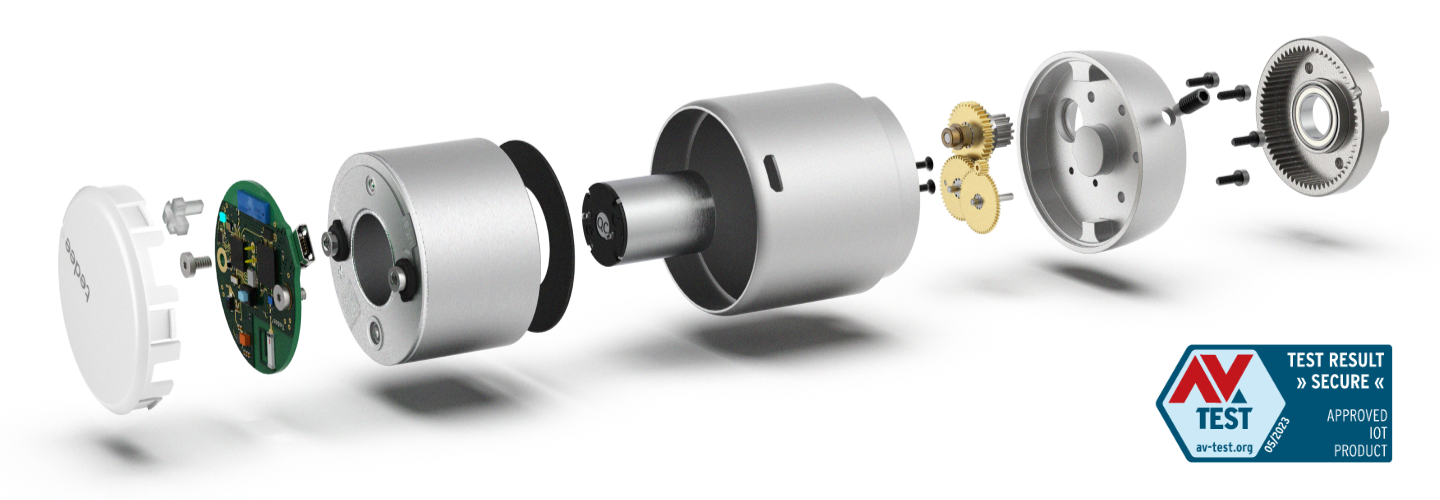
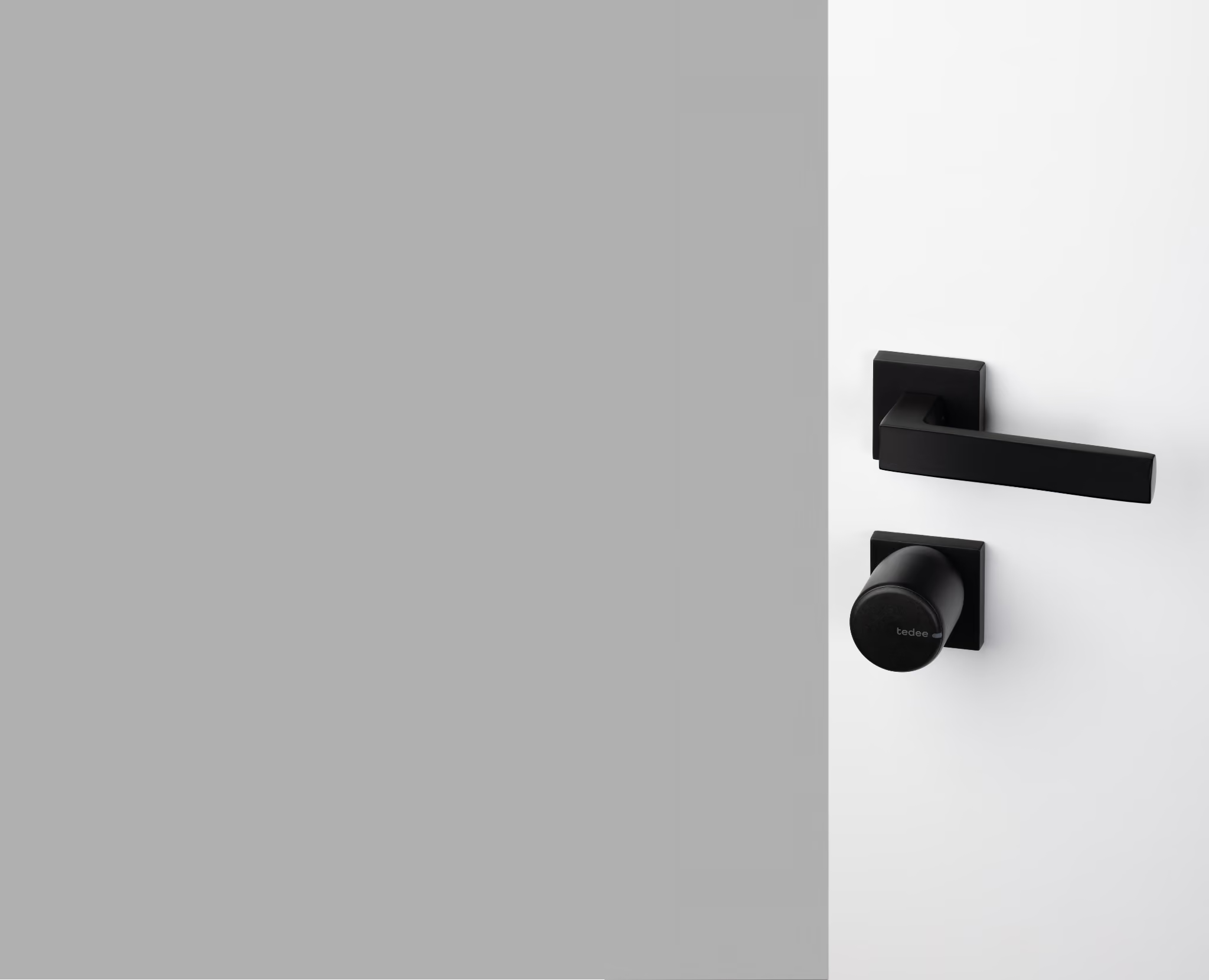
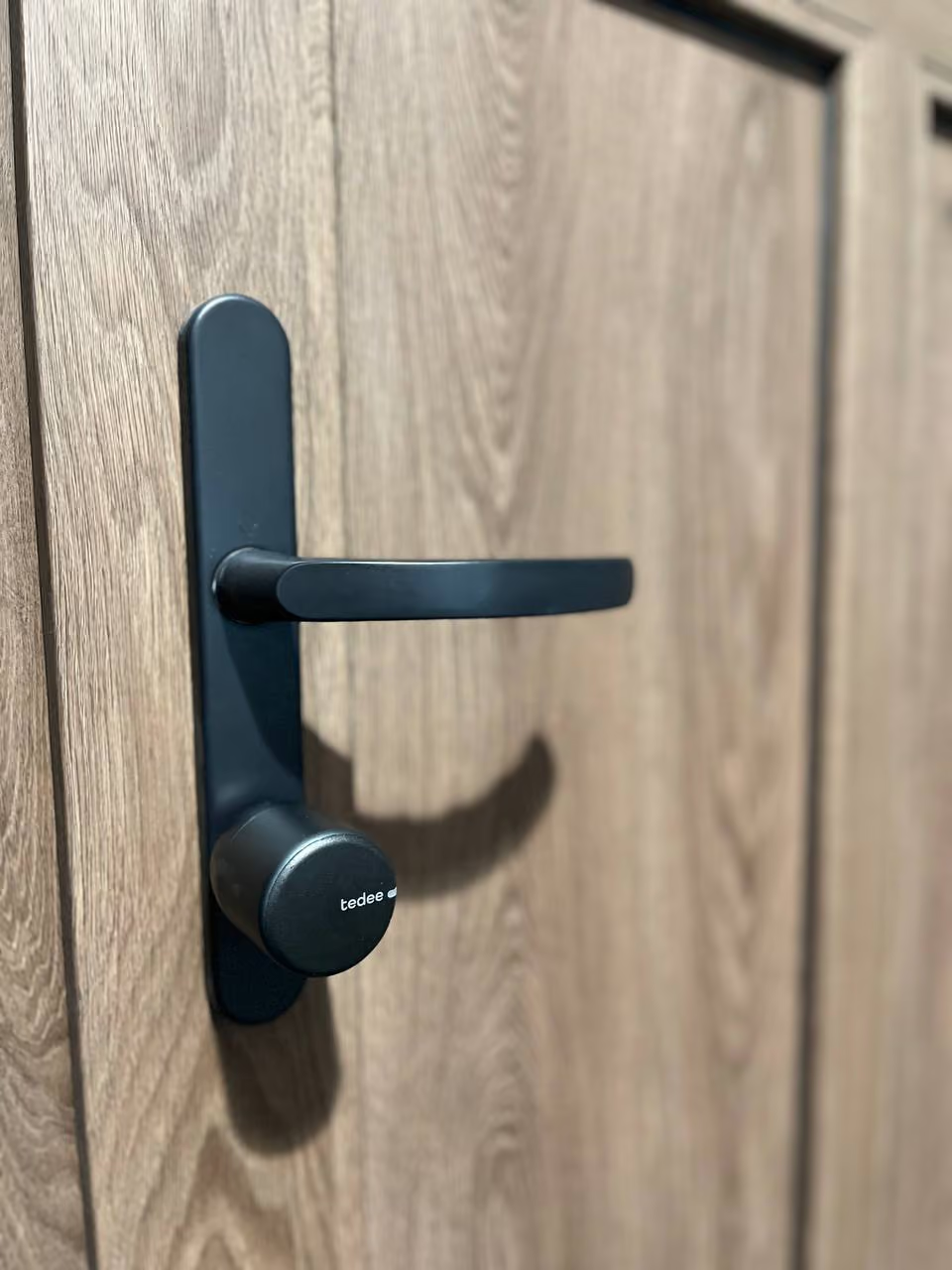
Installed on the inside of the door, the Tedee Pro works by controlling the cylinder lock by rotating it like a key. The hardware stays intact, and the door can still be unlocked from the outside with a key like a traditional door.
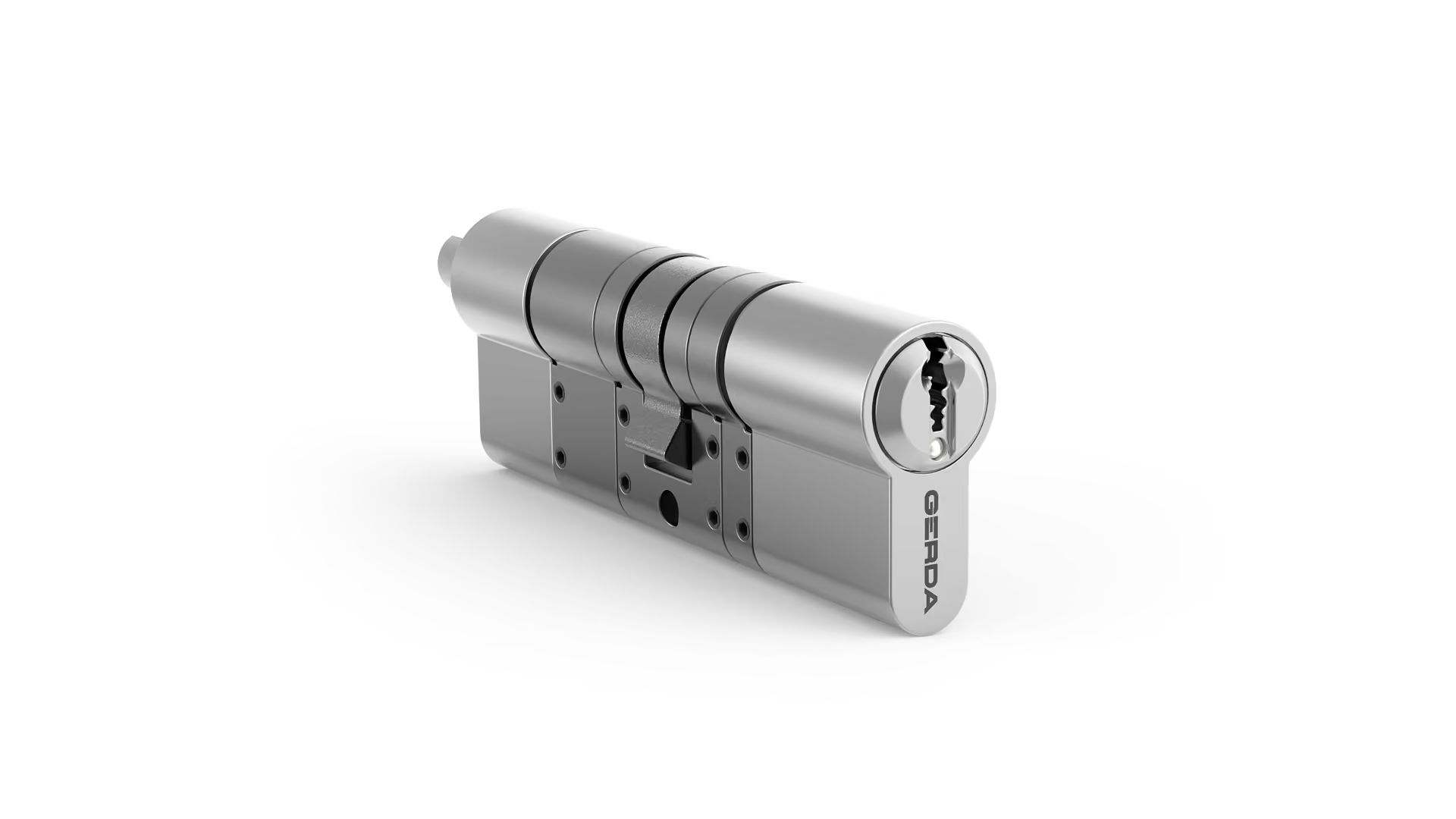
There's no need to replace the door or alter its design. On Euro-profile multi-point locks, simply replace the cylinder, and on deadbolts, the interior thumbturn, making installation a matter of minutes.
Once installed, Tedee Pro connects to users’ smartphones through Bluetooth or Wifi, allowing full control in the Tedee app - including automatic locking and unlocking, virtual key management, and smart home features.
Enables users to lock and unlock the door using the Tedee app

Provides push notifications and live activity logs to keep users updated on home access

Offers virtual key management with three user types and precise access settings

Creates remote access with the Tedee Bridge - lock or unlock the door from anywhere

Tedee Bridge allows for integrations with smart home systems for features like voice control
The Tedee door sensor enables automatic door locking when users leave the building
Watch the
Tedee in action
This 3-minute video shows how easy it is to install and use the Tedee.
Is Tedee secure?
Communication between devices is protected using advanced security protocols.
Tedee uses TLS 1.3 encryption and has been independently tested and certified by AV-TEST for cybersecurity and data protection.
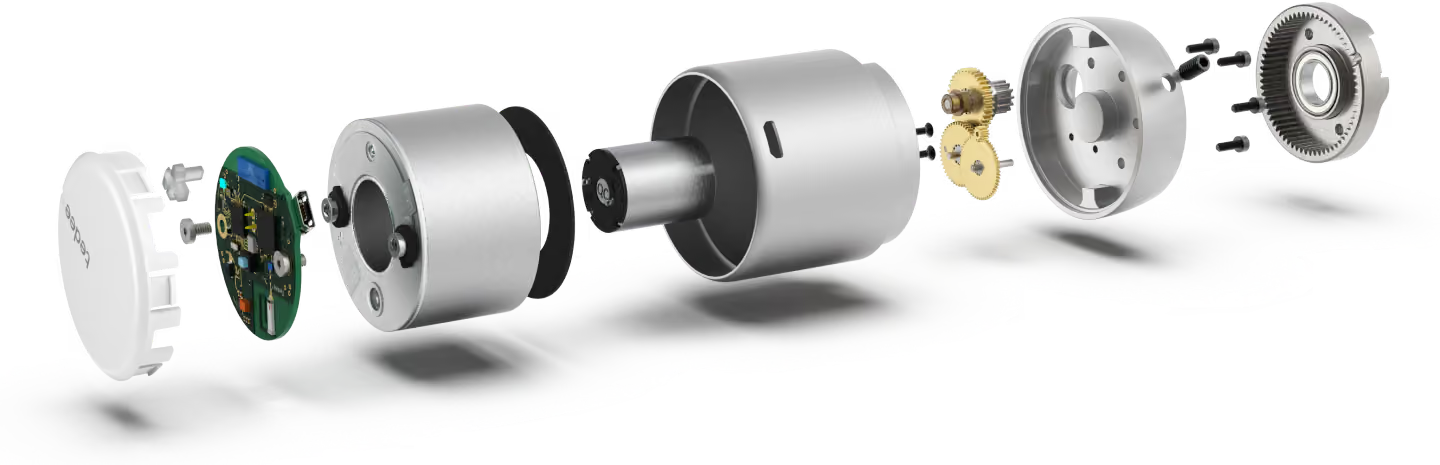

What about the battery?
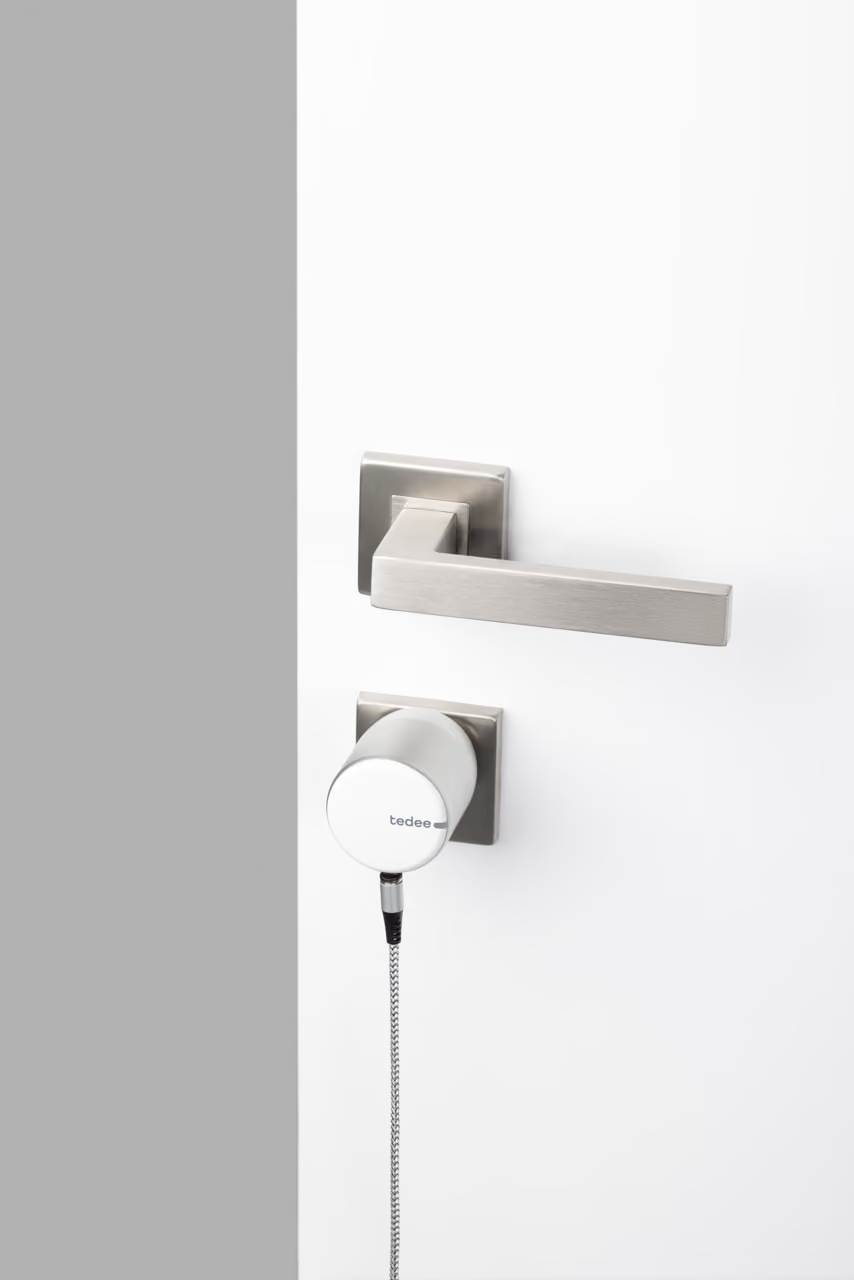
Tedee Pro features a built-in rechargeable lithium-ion battery.
It can be charged directly on the door using the included magnetic charging cable.
Battery life lasts 6-8 months, depending on usage.
Battery empty? No worries - the door can always be opened manually.
Colour Options
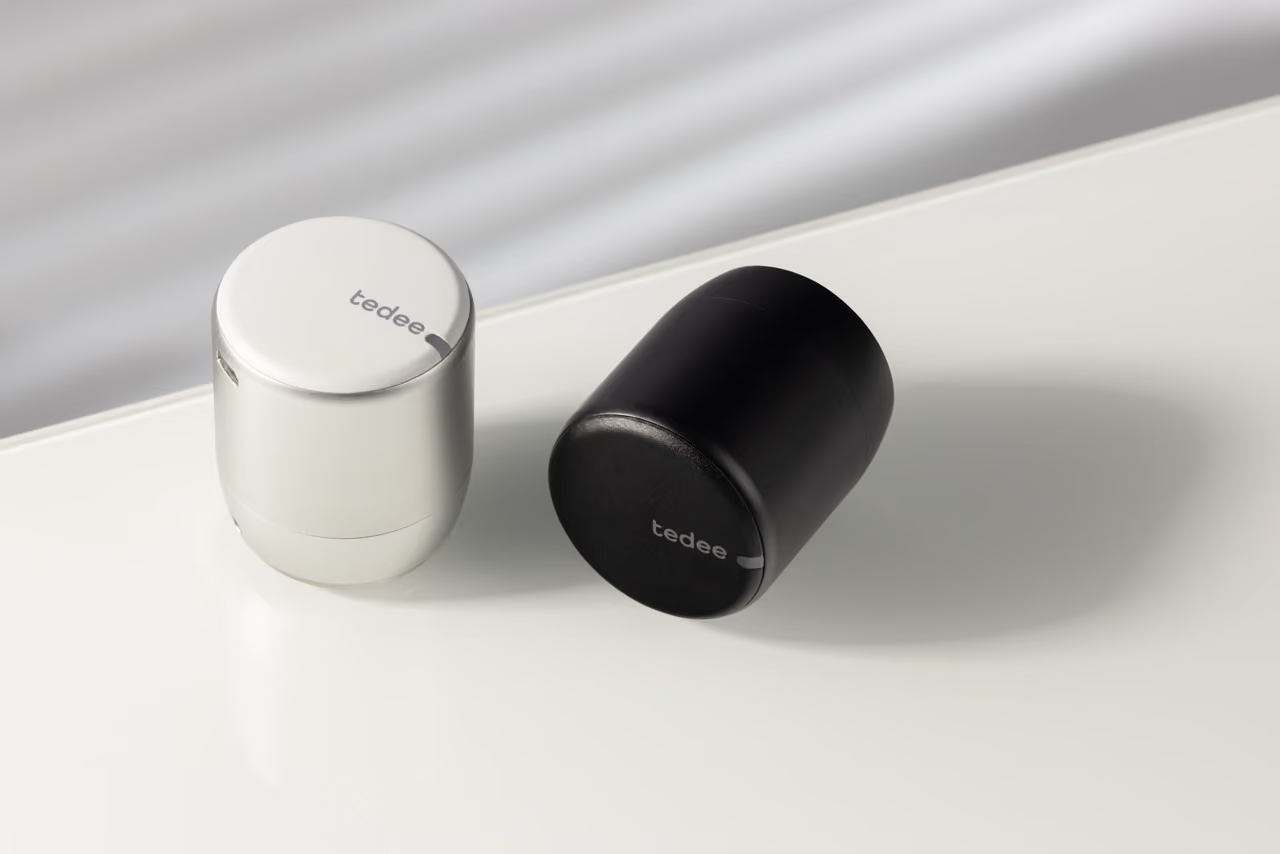
The Tedee Pro is available in graphite/black or silver/white.
Accessories
Deadbolt Adapter
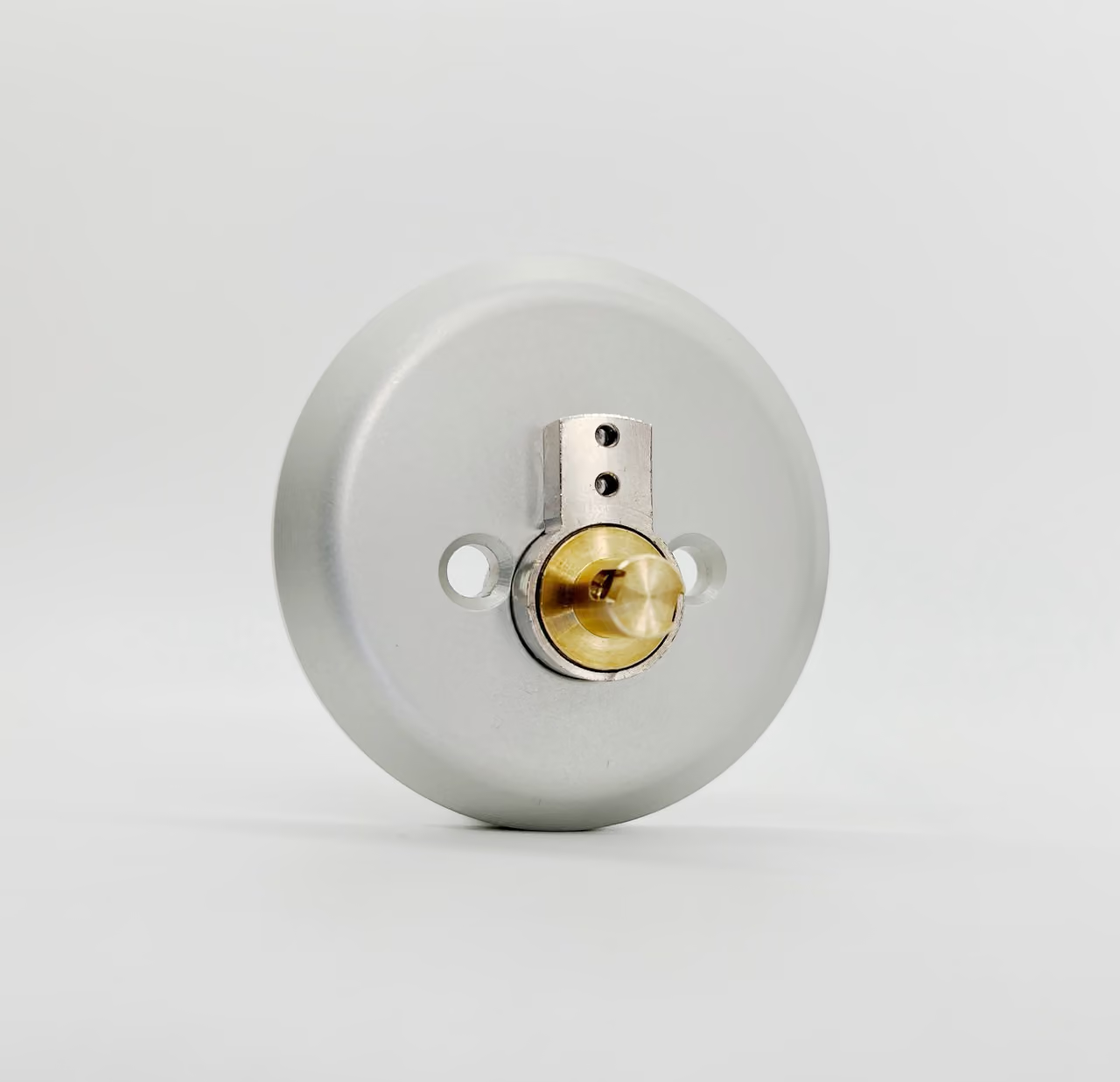
The Tedee deadbolt adapter allows users to install the Tedee smart lock on the inside of their door while keeping their existing deadbolt and keys.
Simply remove the inside portion of the door’s current deadbolt, replace it with the Tedee deadbolt adapter, and connect the Tedee smart lock right onto the adapter.
The deadbolt adapter is available in silver or black.
Faceplate Adapter
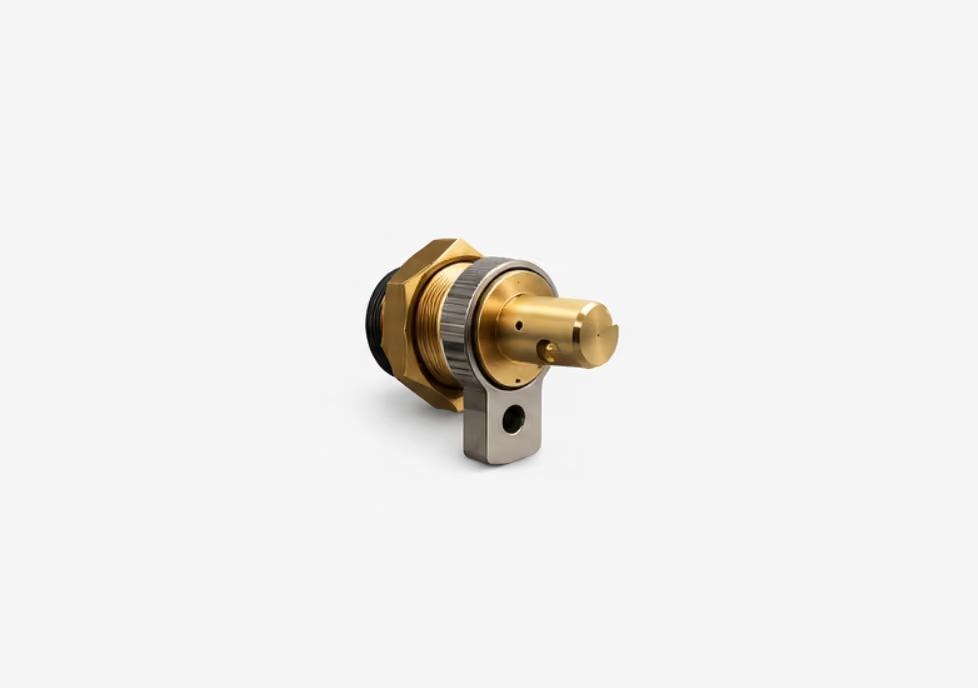
The Tedee faceplate adapter allows users to install the Tedee smart lock on the inside of their door while keeping their existing handle set and keys.
Simply remove the door’s current inside faceplate and handle, then replace the thumbturn on the faceplate with the faceplate adapter and connect the Tedee smart lock right onto the adapter.
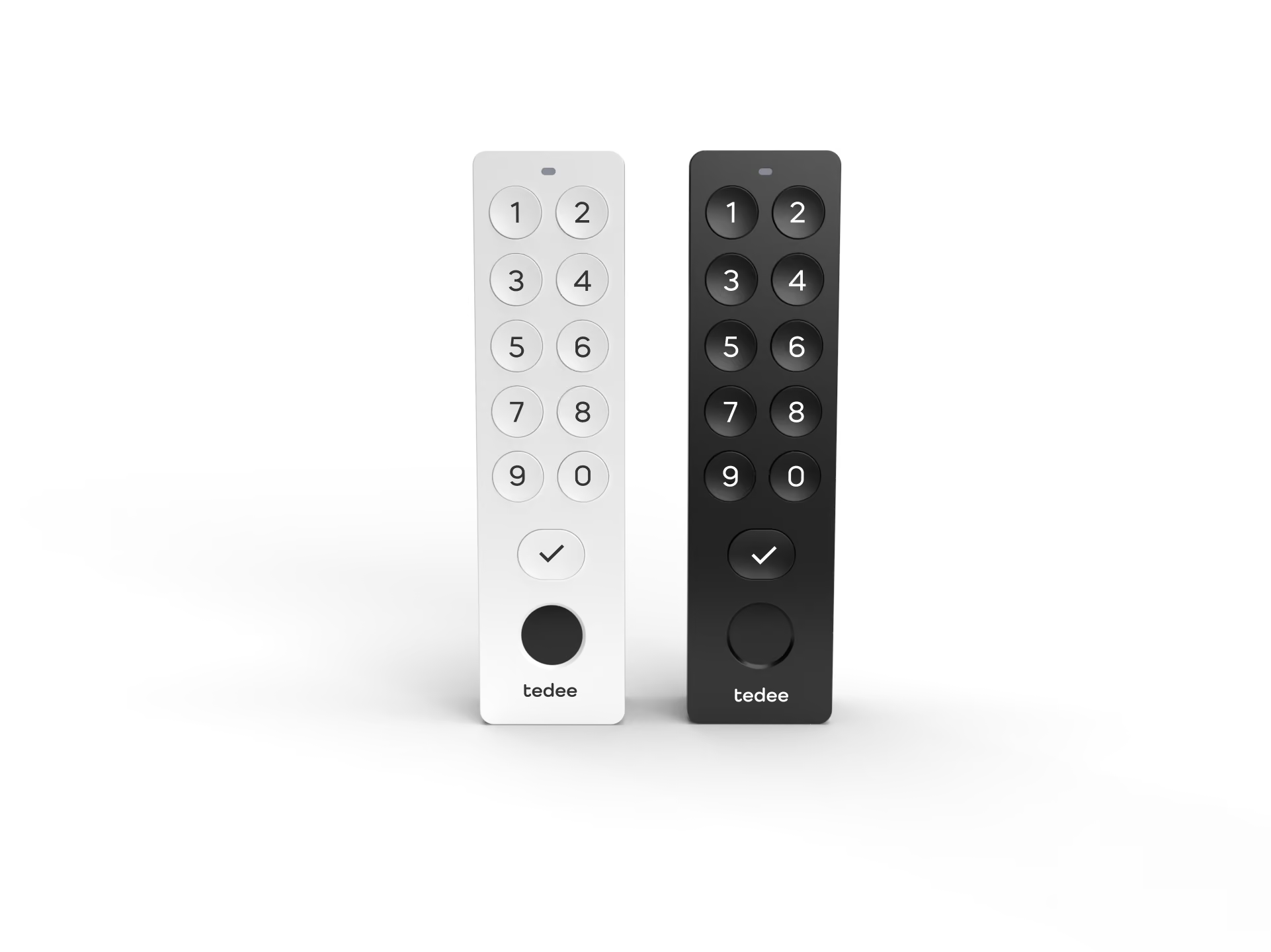
Keypad with Fingerprint Sensor
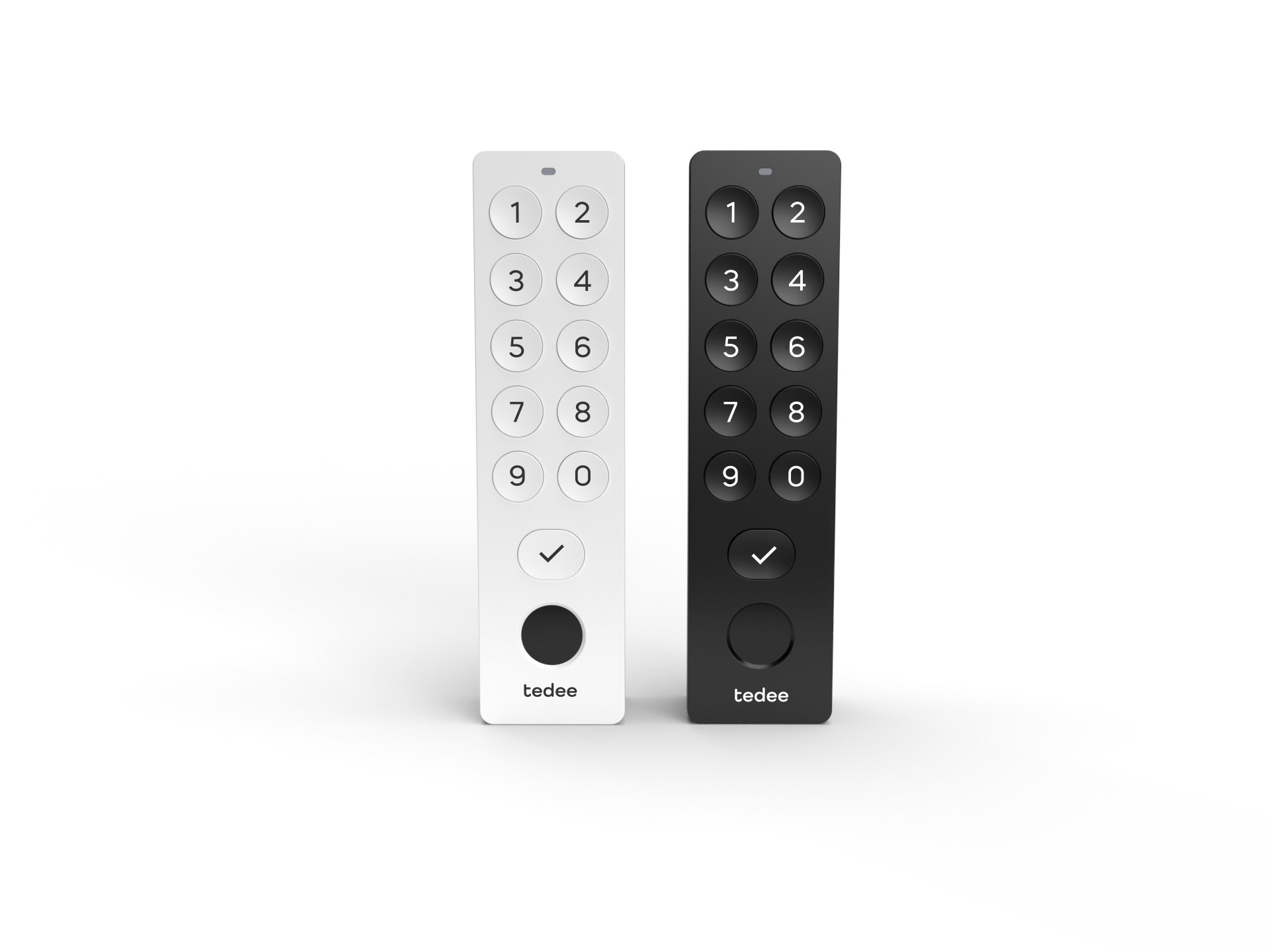
The Tedee Keypad Pro connects to the Tedee via Bluetooth and unlocks it with a code or a fingerprint, no keys, phone, or app needed.
Users can connect to it with their smartphone to manage PIN codes and see who is accessing the smart lock.
The keypad is available in black or white.
Bridge
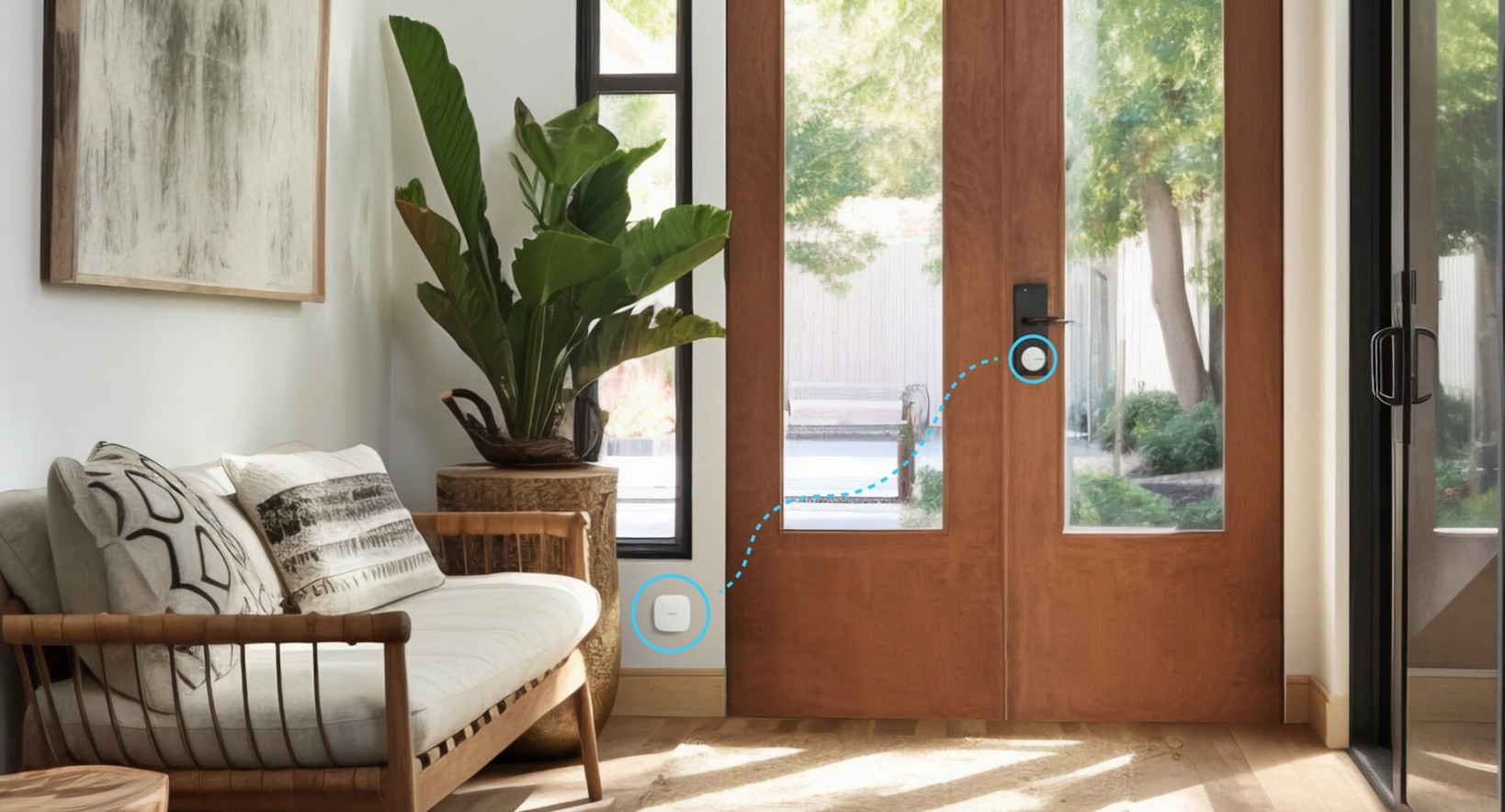
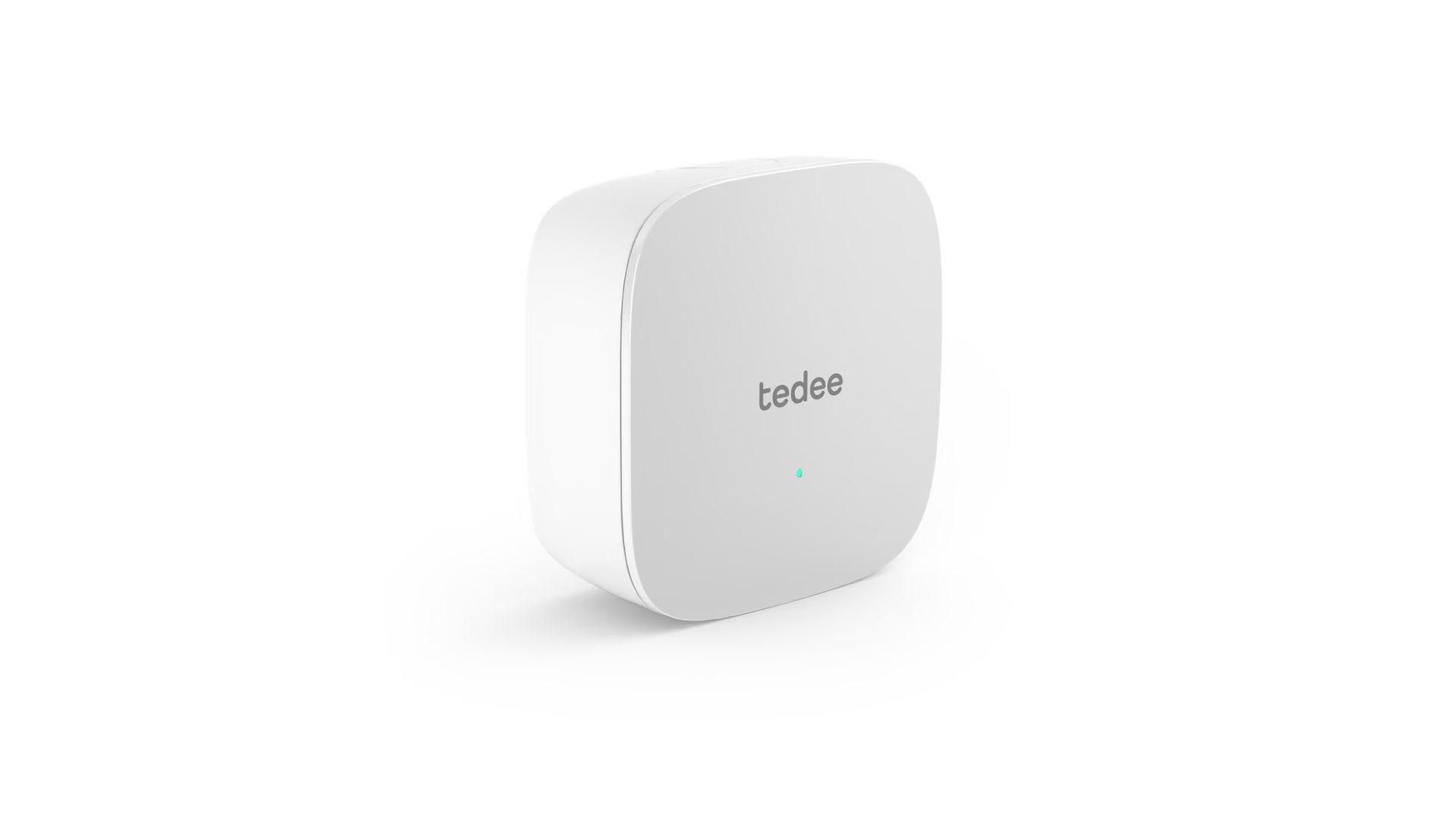
The Tedee Bridge connects the Tedee Pro to the internet via WiFi. Having an external WiFi hub like the bridge allows the Tedee Pro battery to last up to 8 months, much longer than competitor smart locks.
It acts as a bridge between the lock and the network, allowing users to manage access remotely, receive real-time notifications, and connect the lock to voice assistants and smart home systems.
Without the bridge, Tedee access is limited to Bluetooth range.
The bridge is available in white.
Door Sensor
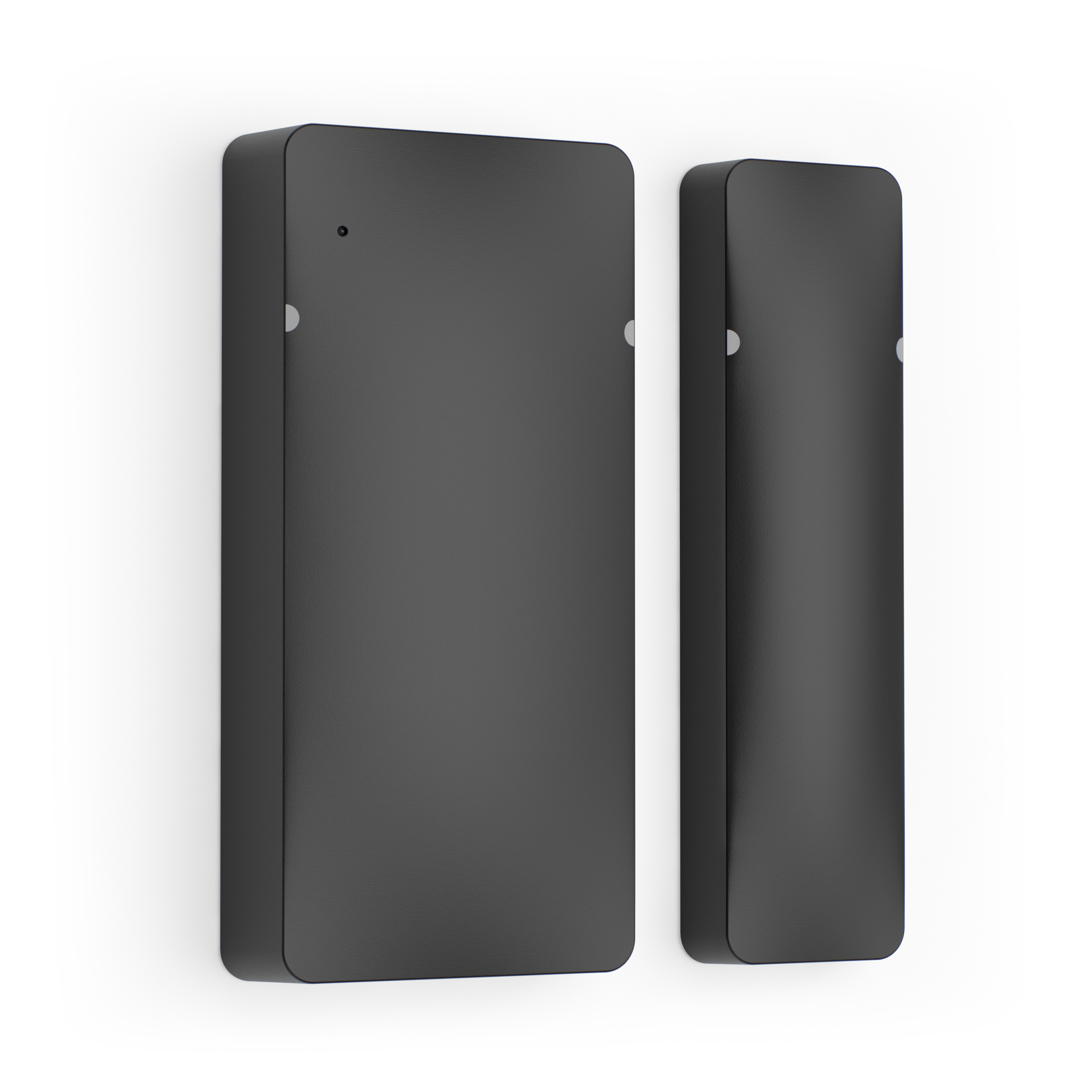
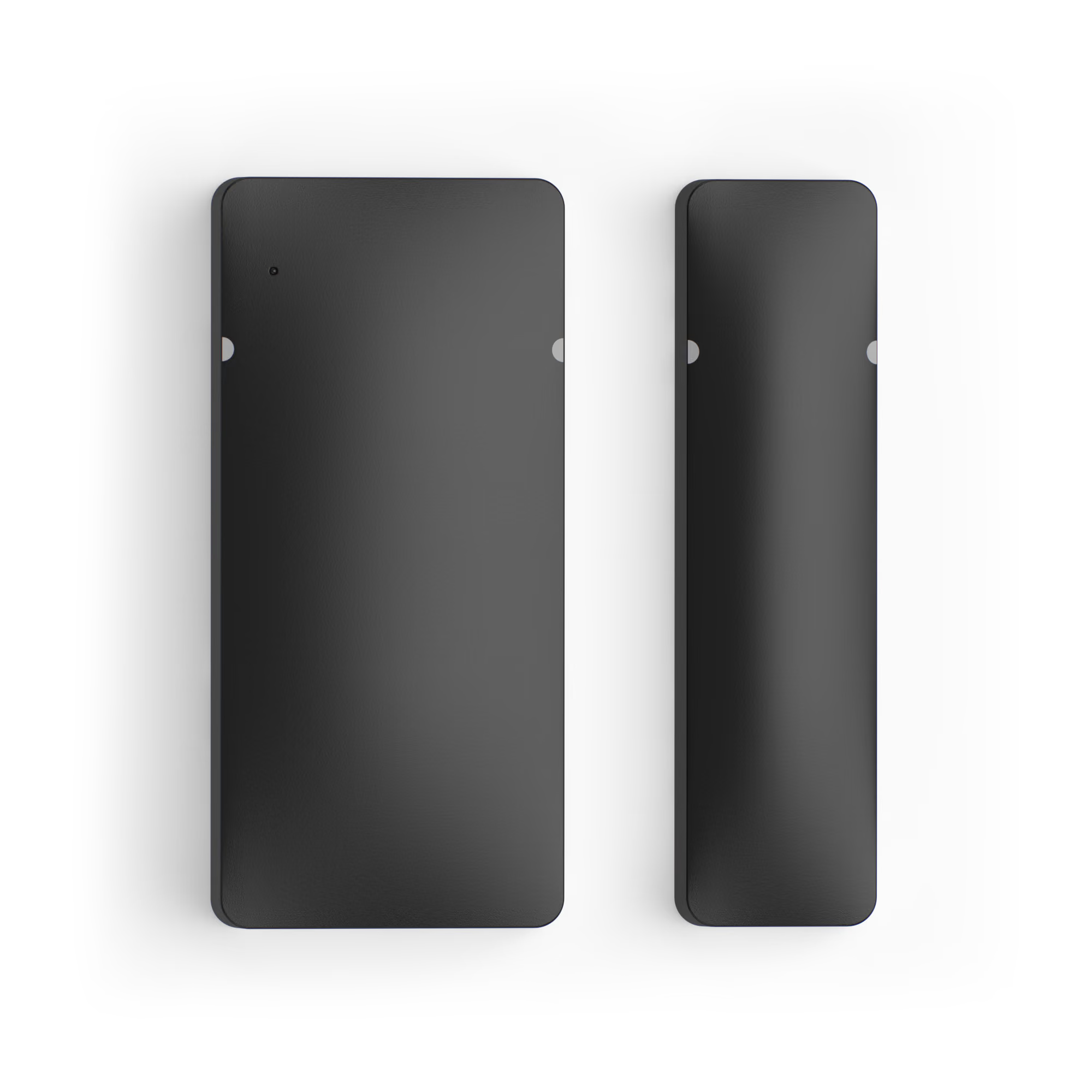
The Tedee door sensor prevents the smart lock from locking when the door is open. It also enables automatic locking the moment the door closes.
It shows users their door’s open/closed status directly in the Tedee app and sends push notifications if the door stays open.
Talk to our Sales Team
Reach out to our team to find out if
Tedee is right for you.